IT
IT  EN
EN  ES
ES  FR
FR  DE
DE 
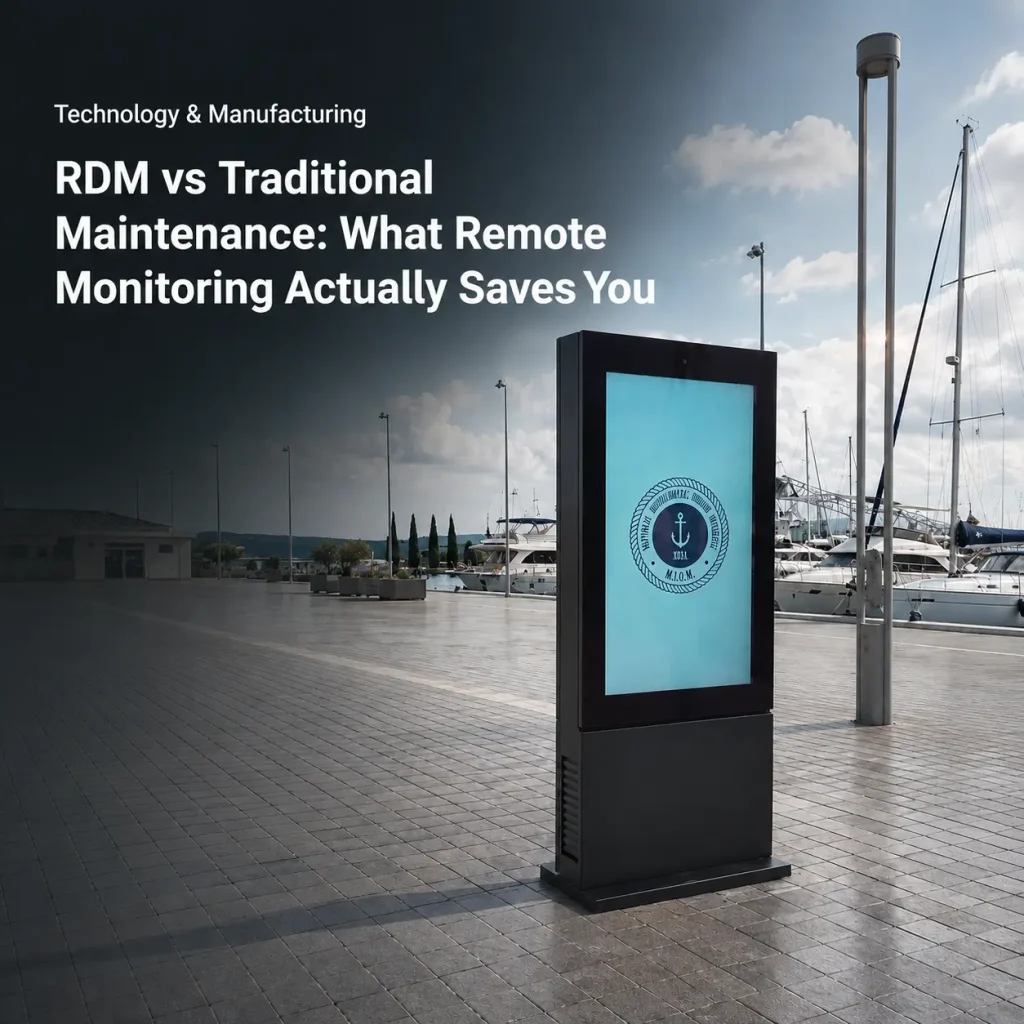
Most outdoor display maintenance still works like this: something breaks, a customer calls, a technician drives out, and the problem gets diagnosed on-site. Every visit costs money, and most visits are for problems a remote system could have caught — or fixed — before the truck left the garage.
Outdoor display remote monitoring — what remote device management (RDM) delivers — changes the economics of outdoor display operations. Here’s what it actually saves you, and how it stacks up against traditional reactive maintenance.
The Cost of Traditional Reactive Maintenance
Reactive maintenance means you respond after failure. The hidden costs stack up fast:
- Truck rolls: Every on-site visit has labor, mileage, and scheduling overhead. For a network spread across a city or country, one visit can cost hundreds of dollars.
- Downtime: A screen that’s down isn’t generating ad revenue or serving customers. Every hour of darkness is lost money.
- Misdiagnosis: Without remote data, the first visit is often just to see what failed — and the fix requires a second visit with the right part.
- Unseen failures: A screen showing static content, running hot, or tilted out of position can be “broken” for weeks before anyone notices.
What Remote Monitoring Actually Does
A real RDM system doesn’t just tell you a screen is online or offline. It gives you a live picture of the device’s health — and lets you act on it remotely. Here’s what a capable system (like MWE’s RDM & OMC) provides:
Multi-Sensor Health Monitoring
The unit reports on more than a dozen parameters — temperature, humidity, smoke, tilt, and door access, among others — through embedded sensors. Status indicators (green = normal, yellow = warning, red = critical) let an operator spot a problem at a glance. Historical logs show you temperature spikes over time, so you can diagnose “why did it overheat on Tuesday” instead of guessing.
Remote Control, Not Just Monitoring
The difference between monitoring and management is action. With RDM you can:
- Power screens on and off remotely
- Adjust fan speed (PWM control) or toggle heaters
- Run batch operations — mass-reboot a fleet, not one unit at a time
- Trigger one-click troubleshooting and schedule automated reboots
That last point is where the money is: a scheduled nightly reboot fixes a large share of software-level failures with zero human effort.
Fail-Safe Automation
A good system protects the hardware even when no one’s watching. Configurable thresholds trigger automatic actions — for example, auto-shutdown at 65°C to prevent heat damage, or heater activation when the temperature drops below a set point. This is the difference between a screen that survives its first heatwave and one that doesn’t.
Centralized Backend with Audit Trail
One dashboard shows every terminal’s real-time status, filters alarms by severity and source, and sends email notifications at configurable frequencies. Devices are bound by IMEI, assigned to users and groups, and every manual change plus automated report is stored in an audit log (typically 3 months of operational records). Role-based access keeps operators, admins, and display managers from overstepping their permissions.
RDM vs. Traditional: The Savings in Practice
| Scenario | Traditional | With RDM |
|---|---|---|
| Screen goes offline | Truck roll to diagnose | Remote reboot, often no visit |
| Overheating warning | Discovered after failure | Alert before damage; auto-shutdown protects panel |
| Nightly software glitch | Manual restart on-site | Scheduled automated reboot |
| Fleet-wide firmware update | Visit each unit | Batch remote operation |
| Fan wearing out | Noticed at failure | Sensor trend signals replacement window |
The pattern is consistent: RDM moves you from reacting a preventing, and from driving a clicking. Most operators recover the cost of the monitoring platform in avoided truck rolls alone — before counting the revenue preserved by reduced downtime.
What to Look for in an RDM Platform
- Action, not just alerts: Can it reboot, adjust, and reconfigure remotely, or does it only notify?
- Sensor depth: Does it monitor temperature, humidity, and physical tampering, or just ping “online”?
- Threshold automation: Can you set rules that trigger protective actions automatically?
- Audit trail: Is there a record of who changed what, and when?
- Hardware flexibility: Does it support the mainboards and protocols you’ll actually deploy?
The Buyer’s Takeaway
Remote monitoring isn’t a luxury feature — it’s the difference between a maintenance budget you can predict and one that surprises you every quarter. For outdoor display networks, the systems that pay for themselves fastest are the ones that act, not just alert. MWE’s RDM & OMC system is built specifically for outdoor LCD deployments, with 12+ sensor parameters, remote power and fan control, fail-safe temperature automation, and a centralized audit trail. See how RDM works o request a demo.