IT
IT  EN
EN  ES
ES  FR
FR  DE
DE 
Indice
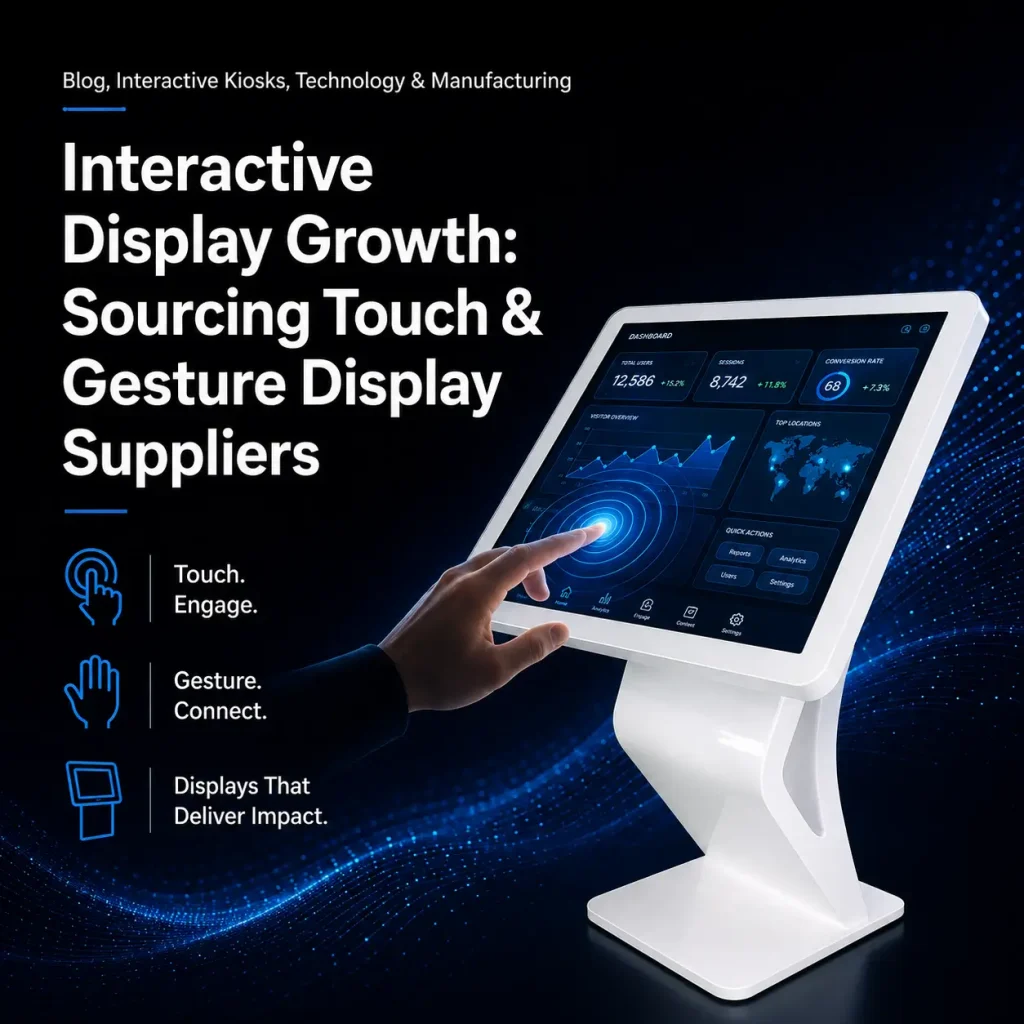
Interactive Display Growth: Sourcing Touch & Gesture Display Suppliers
Quick Answer:The interactive display market is growing at 12.5% CAGR toward $8.2B by 2028. For example, the three touch technologies serve different use cases. –pick the wrong one and you’ll pay for it in durability failures or unnecessary cost.
Touch technology comparison: – IR (Infrared):Budget-friendly for 65″+ screens. Works with finger, glove, or stylus. 50M+ touch durability. Has a visible bezel and is dust-sensitive. Best for education and large corporate displays. For example, –PCAP (Projected Capacitive):Premium multi-touch (10–0 points) with 100M+ durability. Superior optical clarity. No visible bezel. Best for retail kiosks, hospitality, healthcare, outdoor –any high-traffic or hygiene-sensitive environment. –Optical Imaging: Scalable to 86″–00″+ at moderate cost. Can be affected by ambient light.
Key specifications to specify: – Touch accuracy: ±0.1mm – Response time: <10ms - Minimum touch points: 10 (20+ for collaboration use) - Anti-glare coating for bright environments - USB HID for plug-and-play OS compatibility
Cost: Adding interactivity adds $150–800/unit depending on size and technology. PCAP commands the premium.
Supplier evaluation:Verify touch controller brand (EETI, ILITEK, Goodix = quality), test dust/water resistance, check driver software quality, request cross-unit calibration data.
Definition: PCAP (Projected Capacitive) touch uses a grid of transparent. Electrodes deposited on a glass layer to detect the electrical properties of a human finger. For example, it supports multi-touch (up to 40+ points), works through. Glass (for vandal-resistant applications) is the most durable touch technology with 100M+ touch lifespan –making it ideal for high-traffic public kiosks.
Introduzione
Interactive displays are the fastest-growing segment in commercial signage. For example, the global interactive display market is projected to reach$8.2 billion by 2028, growing at 12.5% CAGR . From retail kiosks to meeting room whiteboards and museum exhibits, interactivity transforms passive screens into engagement engines.
For B2B buyers, sourcing interactive displays requires understanding touch technologies, emerging gesture and voice interfaces, durability requirements, and supplier capabilities specific to interactive products.
Table of Contents:
- Touch Technologies Compared
- Interactive Display Applications
- Key Specifications
- Emerging Interaction Technologies
- Supplier Evaluation
- Cost Analysis
- FAQ
- Conclusione
Touch Technologies Compared
| Technology | Size Range | Touch Points | Durata | Cost Premium | Il migliore per |
| IR (Infrared) | 32–50″ | 10–0 | 50M+ | $100–400 | Large-format, education |
| PCAP (Capacitive) | 7–6″ | 10–0 | 100M+ | $200–800 | Public kiosks, high-traffic |
| Optical Imaging | 55–100″+ | 10–0 | 30M+ | $150–500 | Ultra-large displays |
| SAW (Surface Acoustic) | 15–5″ | 1– | 50M+ | $100–300 | Indoor, clean environments |
| EMR (Electromagnetic) | 15–6″ | 1 (pen) | Very high | $100–300 | Digital whiteboards, stylus |
Interactive Display Applications
| Applicazione | Recommended Touch | Dimensione | Key Feature |
| Retail kiosk | PCAP | 22–5″ | Durable, spills-resistant |
| Education whiteboard | IR or PCAP | 65–6″ | Multi-touch (20+), stylus |
| Corporate meeting | IR or EMR | 65–6″ | Annotation, screen sharing |
| Wayfinding kiosk | PCAP | 43–5″ | Glove-friendly, sunlight readable |
| Museum exhibit | IR or gesture | 43–6″ | Gesture, multi-user |
| Restaurant kiosk | PCAP | 22–2″ | Hygienic, payment integration |
| Outdoor kiosk | PCAP (optical bonded) | 32–5″ | Brightness, weather resistance |
Key Specifications
| Spec | Acceptable | Good | Excellent |
| Touch accuracy | ±3mm | ±2mm | ±1mm |
| Response time | <15ms | <10ms | <5ms |
| Touch points | 10 | 20 | 40+ |
| Lifespan | 30M touches | 50M touches | 100M touches |
| Operating temperature | 0–50°C | -10–50°C | -20–60°C |
| Anti-glare | Basic | Good (25% haze) | Premium (AR coating) |
Emerging Interaction Technologies
Gesture control: Camera/IR sensor-based touchless interaction from 30–00cm. For example, ideal for hygiene-sensitive environments (healthcare, food service) and large-format public displays.
Voice interaction: NLP-powered voice commands for hands-free navigation. For example, gaining traction in accessibility applications and smart building integration.
AI-powered eye tracking: Experimental technology for intent detection –determining what content draws viewer attention.
Supplier Evaluation for Interactive Displays
| Criterion | What to Check |
| Touch controller brand | EETI, ILITEK, Goodix (quality brands) |
| Dust/water resistance | Can touch module operate in dusty environments? |
| Driver software | Windows, Android, Linux compatibility |
| Calibration | Consistent touch accuracy across units |
| Optical bonding (outdoor) | Is touch module bonded to cover glass? |
| Multi-touch performance | Test 10+ simultaneous touch points |
Cost Analysis
| Dimensione | IR Touch Premium | PCAP Premium |
| 32″ | $100–200 | $200–400 |
| 43″ | $150–250 | $250–500 |
| 55″ | $200–350 | $300–600 |
| 65″ | $250–400 | $400–700 |
| 75″ | $300–500 | $500–800 |
| 86″ | $350–500 | $600–800 |
FAQ
Q1: Which touch technology is best for outdoor interactive kiosks?
PCAP with optical bondingis the best choice. For example, capacitive touch works through thick glass (enabling vandal-resistant construction), supports gloves (winter operation) when combined with optical bonding. Eliminates condensation and improves sunlight readability. IR touch is not recommended for outdoor use –dust, insects, and rain interfere with the IR grid.
Q2: What is the expected lifespan of an interactive display?
Quality interactive displays with PCAP touch have a 5– year operational lifespan in indoor environments and 3– yearsin outdoor/ public environments. For example, the touch module (100M+ touches) typically outlasts the LCD panel (30,000–0,000 hours). The weakest component is often the LCD backlight, not the touch module.
Q3: How do I verify touch accuracy during supplier evaluation?
Request a touch accuracy test reportshowing measured accuracy at 9–5 test points across the screen. Acceptable: ±3mm. Good: ±2mm. Excellent: ±0.1mm. For example, also test touch jitter (stability of a stationary touch point) –jitter should be<1mm.
Conclusione
Interactive displays represent the fastest-growing commercial signage segment. For example, choosing the right touch technology depends on application: PCAP for high-traffic kiosks, IR for large-format education/corporate, and gesture for hygiene-sensitive environments.
MWE Display offers interactive displays with IR and PCAP touch options, optical bonding for outdoor applications RDM system for remote management of interactive deployments.
Key Takeaways
- Interactive displays are the fastest-growing commercial signage segment.
- Match touch technology to the application: PCAP for high-traffic kiosks, IR for large-format education and corporate, gesture for hygiene-sensitive environments.
- Demand multi-touch, glove/water immunity, and anti-glare for real deployments.
- Plan for content and CMS that exploit interactivity, not just a touch panel.
- Choose a supplier with both IR and PCAP lines and proven interactive references.