EN
EN  IT
IT  ES
ES  FR
FR  DE
DE 
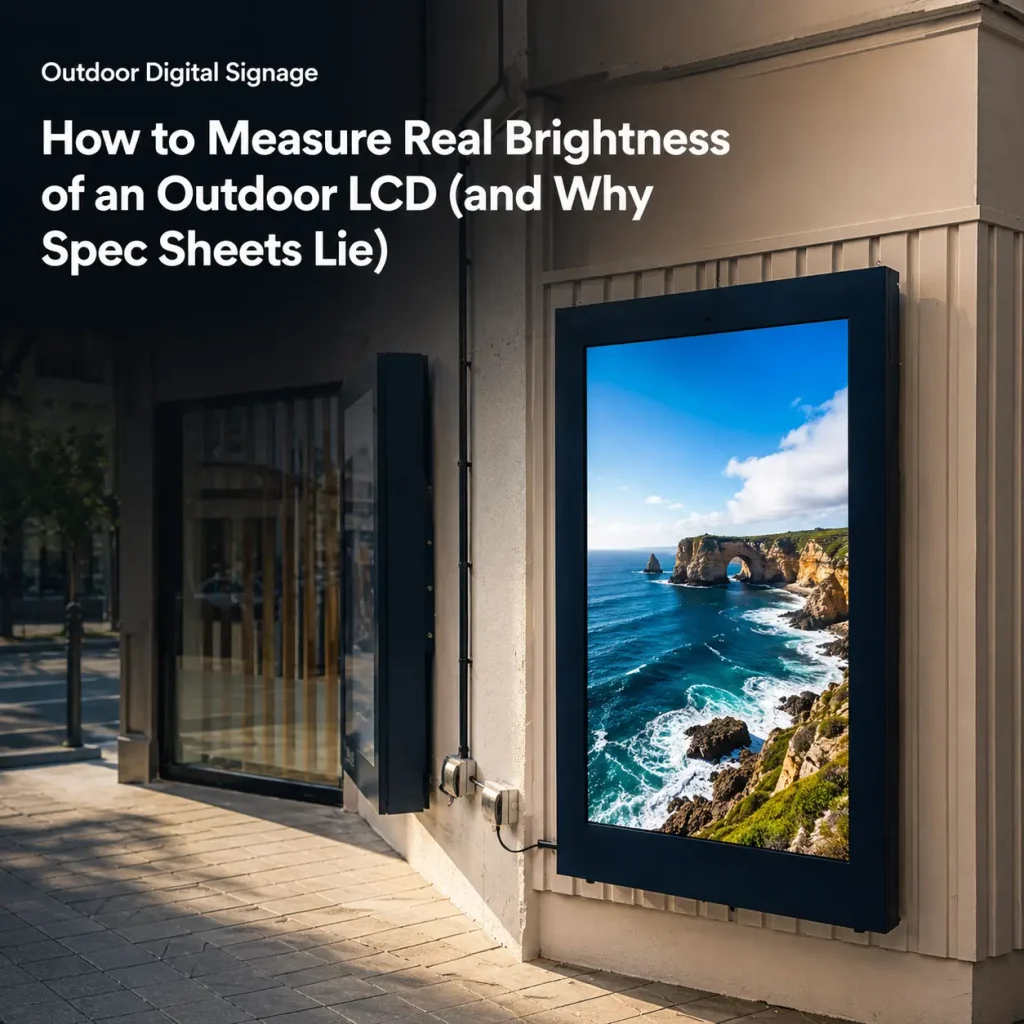
Every outdoor LCD datasheet has a brightness number on it. Most of them are optimistic. Some are fiction.
If you’re buying outdoor displays, knowing how to measure real outdoor LCD brightness is the difference between a screen that’s readable in sunlight and one that’s a very expensive mirror. This guide explains what nits actually measure, why spec sheets exaggerate, and how to verify the number yourself.
What “Nits” Actually Mean
A nit is a unit of luminance — one candela per square meter (cd/m²). It describes how much light the panel emits per unit area. The more nits, the brighter the screen, and the easier it is to read against bright ambient light.
For context:
- Indoor display: 250–500 nits
- Semi-outdoor / shaded: 1,000–2,000 nits
- Direct sunlight readability: 2,500 nits and above
MWE outdoor displays are built in the 2,500–4,000 nits range because anything below 2,500 nits starts to wash out under direct sun, and the exact requirement depends on installation angle and local climate.
Why Spec Sheets Lie (and How They Do It)
Manufacturers inflate brightness numbers in several ways, and none of them are technically “wrong” — which is exactly why they’re dangerous.
1. Peak vs. Sustained Brightness
A panel might hit 3,000 nits for a few seconds in a test chamber, then throttle to 1,500 nits after 10 minutes of real operation to protect itself from heat. The datasheet shows the peak. The field shows the sustained number. Ask for the sustained brightness under continuous operation at 35°C ambient — that’s the number that matters.
2. Backlight vs. Screen Luminance
Some vendors quote the raw backlight output, not the luminance that actually reaches your eye through the LCD stack, glass, and any optical bonding layer. Every layer absorbs light. The real on-screen number is always lower than the backlight number.
3. The Measurement Point Game
Luminance varies across the screen — the center is brighter than the corners. A vendor measuring only the exact center point gets a higher number than one measuring a 9-point or 13-point average. Ask whether the number is a center-point measurement or a multi-point average.
4. Test Conditions Nobody States
Brightness drops with temperature and age. A panel measured cold in a lab, fresh off the line, reads higher than the same panel after 6 months of heat cycling in Arizona. The datasheet rarely discloses test temperature or panel age.
How to Verify Brightness Yourself
There’s no substitute for checking the number yourself. Here’s how to measure outdoor LCD brightness with methods that hold up in the field — not just in a spec sheet.
Method 1: Request the Measurement Protocol
Ask the supplier to document how they measured the number:
- What instrument (spectroradiometer or colorimeter)?
- Center point or multi-point average?
- What ambient and panel temperature during the test?
- How long was the panel warmed up before measurement?
- Sustained or peak?
A supplier who can answer all five is rare — and valuable. A supplier who can’t is quoting a number they never verified.
Method 2: Rent or Borrow a Meter
If you’re deploying at scale, a handheld luminance meter (or colorimeter) costs far less than one bad purchase order. Measure the center and four corners of a sample unit, take the average, and compare it to the datasheet. A 10–15% shortfall is normal manufacturing variance. A 40% shortfall is a red flag.
Method 3: The Sunlight Readability Test
Numbers aside, the test that matters is whether a human can read the screen in your actual conditions. But do it properly:
- Test at the same time of day and orientation as the real install
- Test with the actual content (white background vs. dark video matters)
- Check contrast, not just brightness — a 3,000-nit screen with poor contrast is still unreadable
Brightness Is Only Half the Readability Equation
Nits get all the attention, but contrast ratio and anti-glare / optical bonding determine readability as much as raw brightness. A 4,000-nit panel with a glossy, reflective front glass can be harder to read than a 2,500-nit panel with optical bonding and an anti-reflective coating — because the reflection washes out the image.
This is why MWE pairs high-brightness panels with anti-glare glass and optical bonding on outdoor models: it’s the combination that wins in sunlight, not any single number.
Three Questions That Expose a Misleading Datasheet
Before you sign anything, ask these three questions and watch the supplier’s face:
- “Is this peak or sustained brightness, and at what ambient temperature?”
- “Is this center-point or multi-point average, and what instrument did you use?”
- “Can I test a sample unit against the datasheet before committing to a bulk order?”
A supplier who welcomes the sample test and documents their measurement protocol is one you can build a supply relationship on. A supplier who deflects is telling you the number won’t survive contact with a meter.
The Buyer’s Takeaway
Outdoor LCD brightness is a measurement, not a marketing claim. Learn the difference between peak and sustained, backlight and screen luminance, center-point and average — and you’ll never overpay for a screen that can’t be read in the sun. MWE publishes brightness in the 2,500–4,000 nits range and can document the measurement protocol on request. Ask us for sample-unit verification before your next bulk order.